
How to Edit and Delete Recurring Jobs
Once you have scheduled a recurring job, it will show up in the Recurring Job/s area on the customer profile screen. Recurring jobs are scheduled on a recurring basis which means they go on forever.
So occasionally we'll get questions from folks wondering how to change the price for a customer's recurring job. Or maybe the recurring period is changing from "every Wednesday" to "every other Tuesday" for example. Or maybe there's another service they want done on top of what you're already doing for the customer. All of these changes are done within the recurring jobs area.
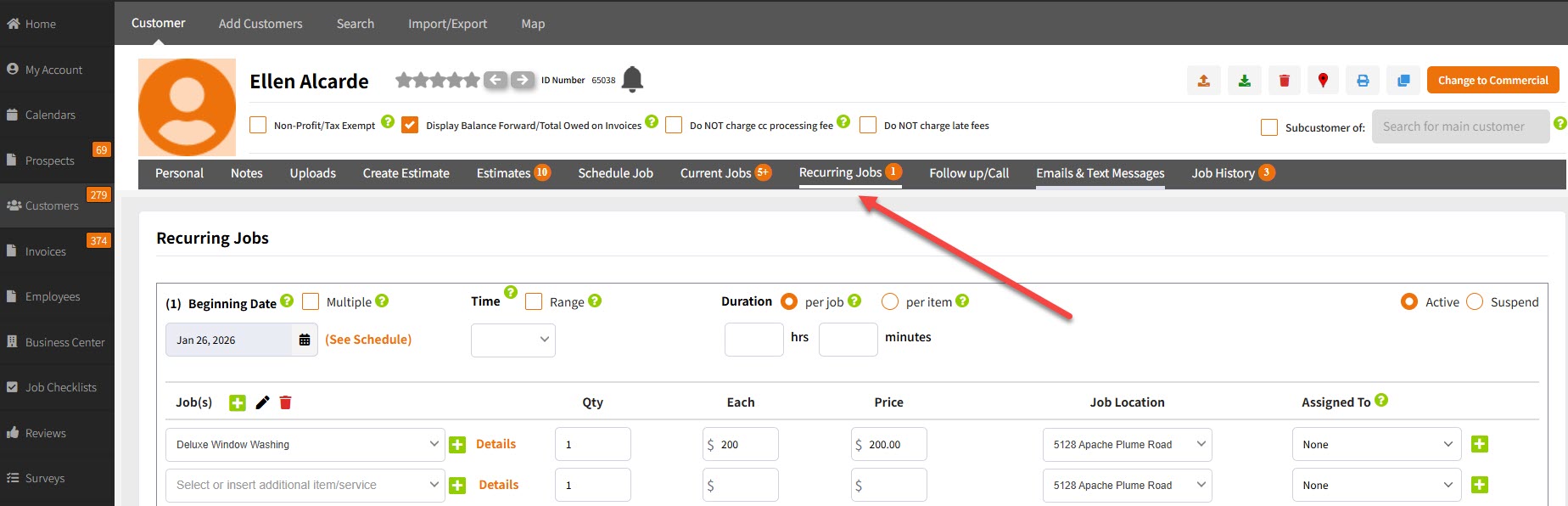
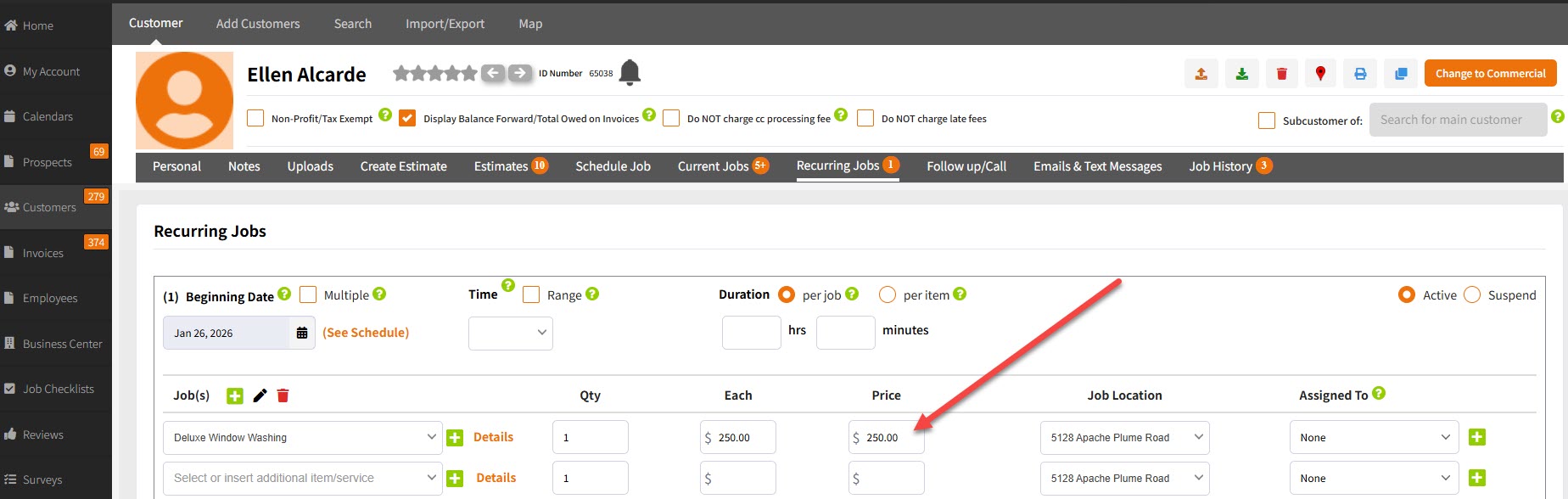
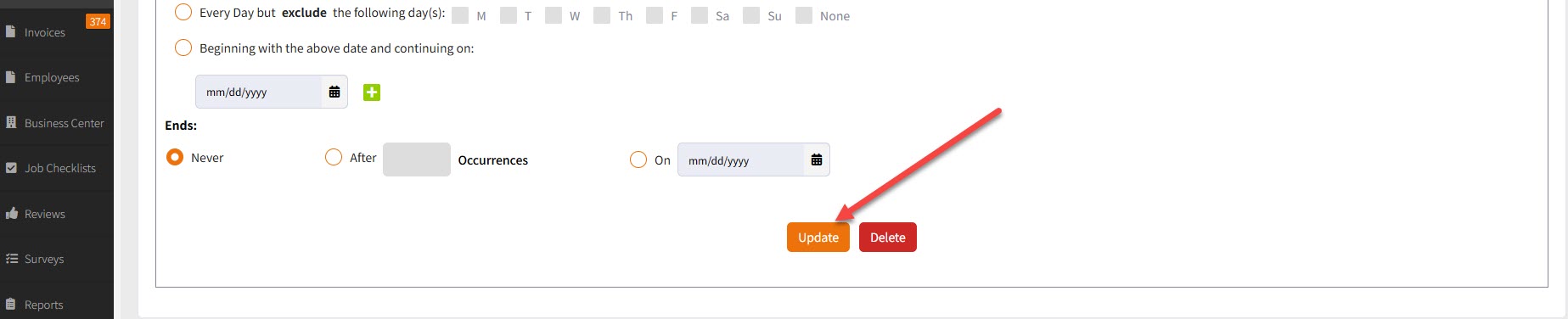
So if it's a price change as an example, all you do is insert the new price and click "Update" at the bottom of the recurring jobs area. All the jobs for that particular customer in the future will have the price change applied to 'em.
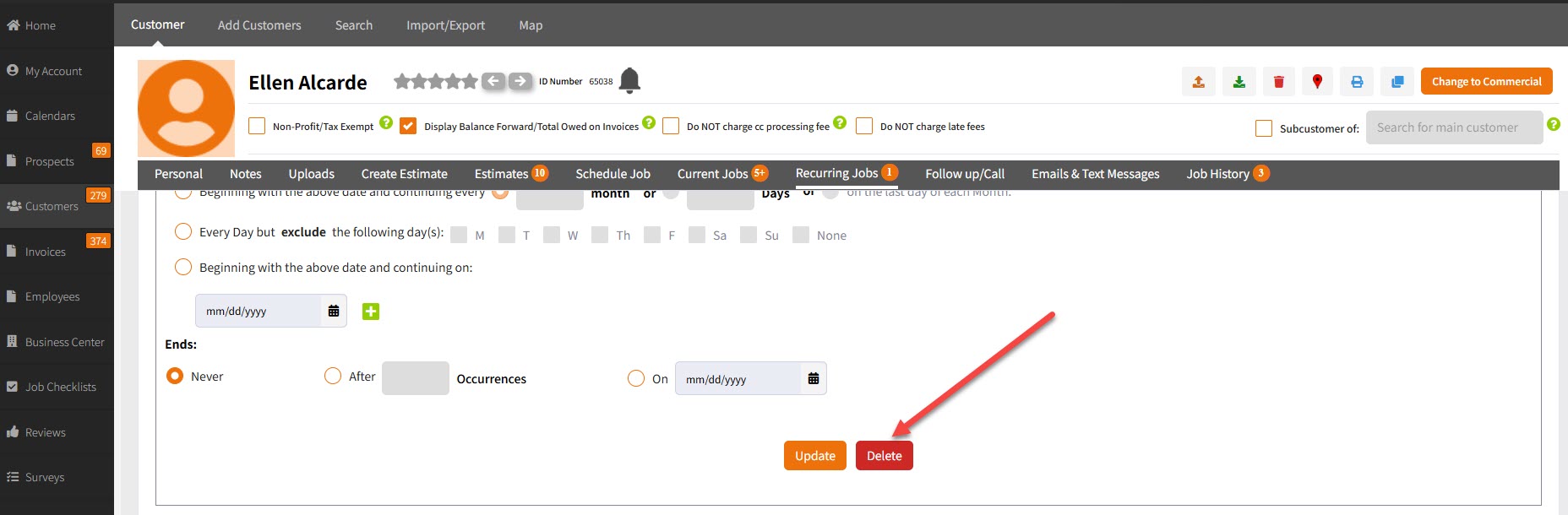
If you want to delete a recurring job, you'll see a delete button at the bottom of the recurring jobs area where you can delete it. (Important: No jobs in the past will get deleted. Only recurring jobs in the future get deleted).
And there you have it! Let's roll on!
