
Prospect to Customer Conversion
There are 2 ways of turning a prospect into a customer.
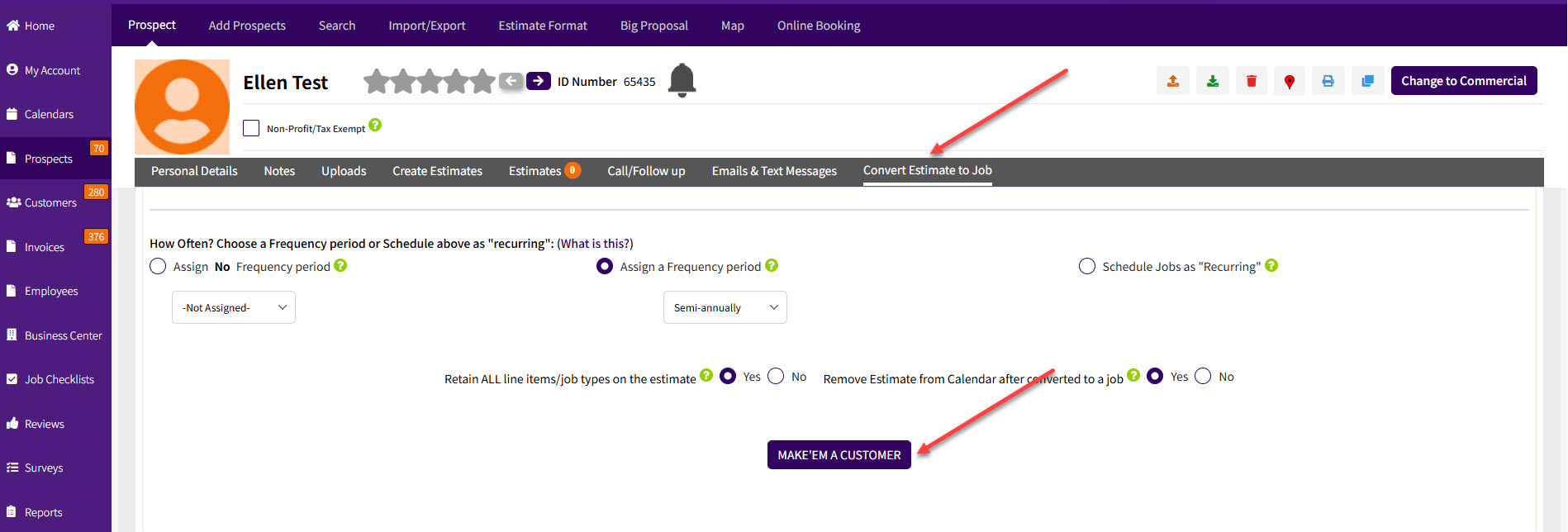
You will find the "Make 'em a Customer" button in the "Convert Estimate to Job" tab, in the prospect profile screen. Scroll down and click on the "Make 'em a Customer" to convert the prospect into a customer.
On the Mobile App, after logging in to the App the very first thing to do is to a Search.
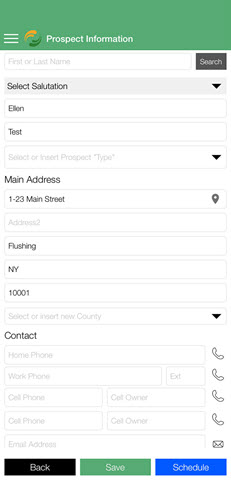
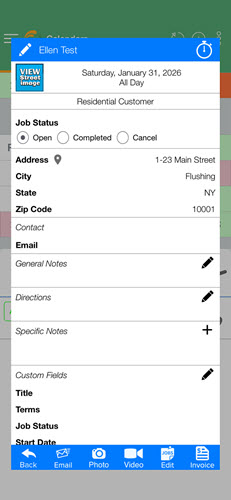
After locating the prospect profile, you can then schedule a job.
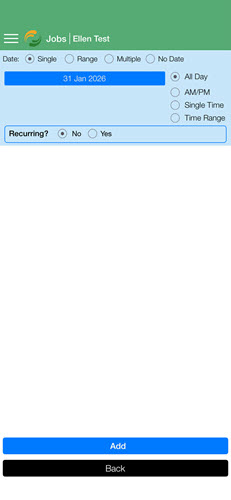
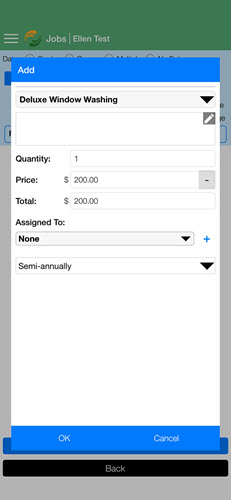
After saving the job, it will return to the profile screen, which now turns into a customer!
That's it.
Best,
