
Reports - Sales Tax
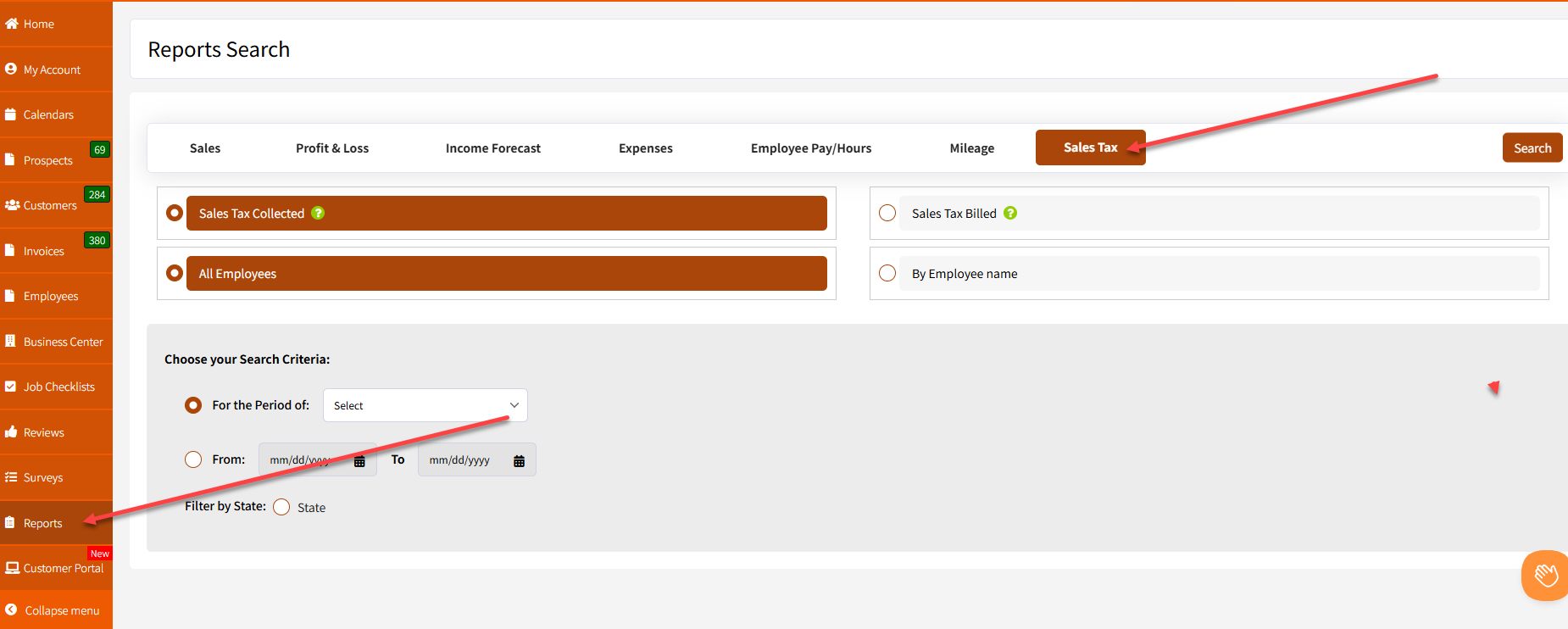
You can access the “Reports” from the homepage by going to the “Reports” tab at the lower left and clicking on the "Sales Tax" button.
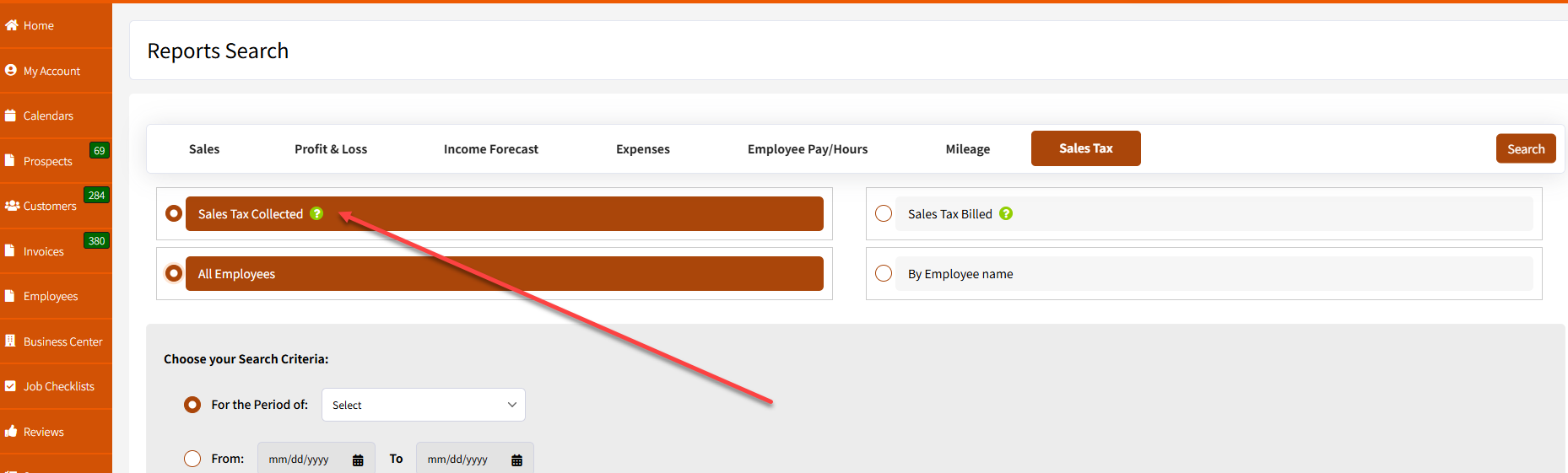
You will have an option to filter with either "Sales Tax Collected" or "Sales Tax Billed".
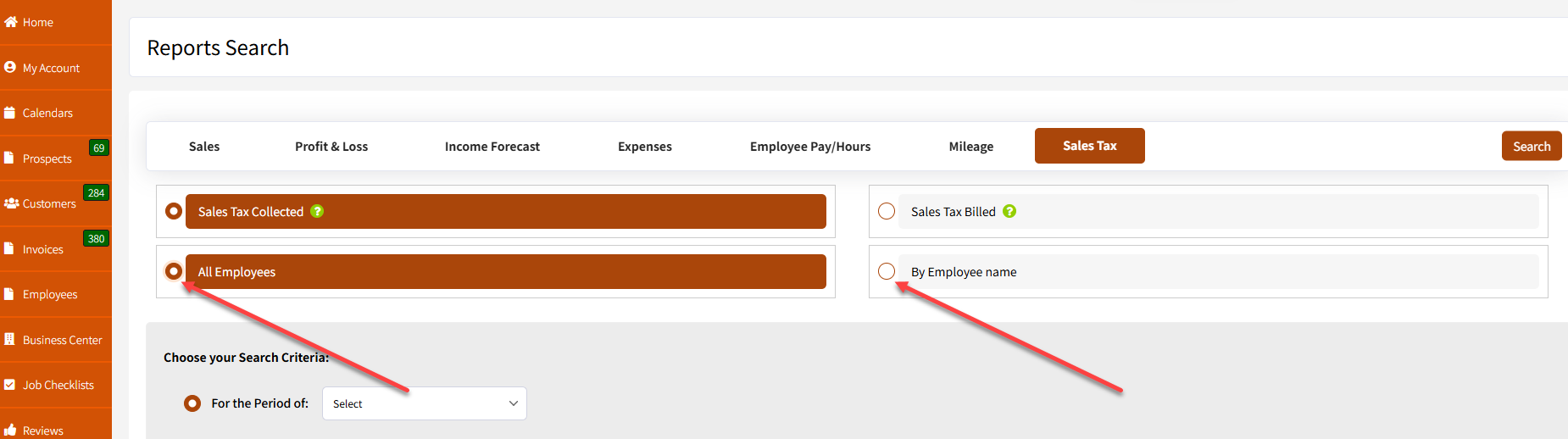
There's an option to filter "All Employees" or "Employee by Name" if you want to generate for a specific employee.
You can then choose from the dropdown the periods in which you want the report to be generated. In this case, I chose "Last Year". You also have an option to specify "By Date Range" if you wish to generate the report for a more specific date.
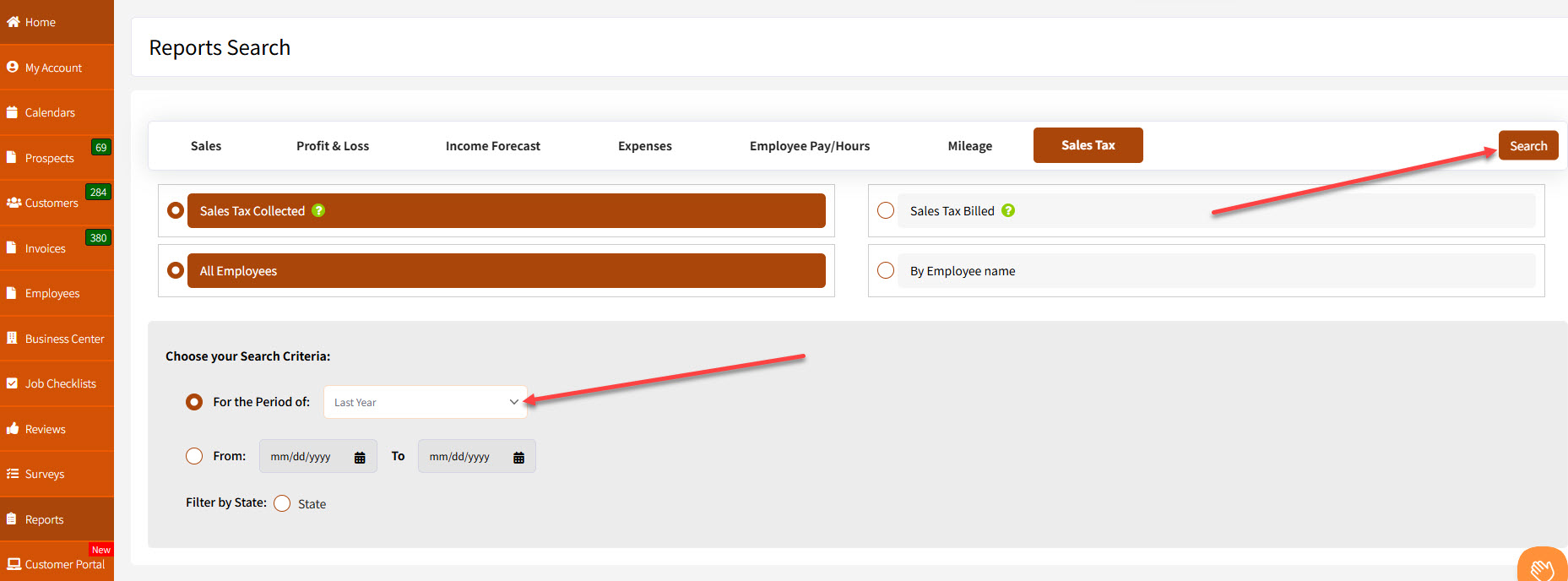
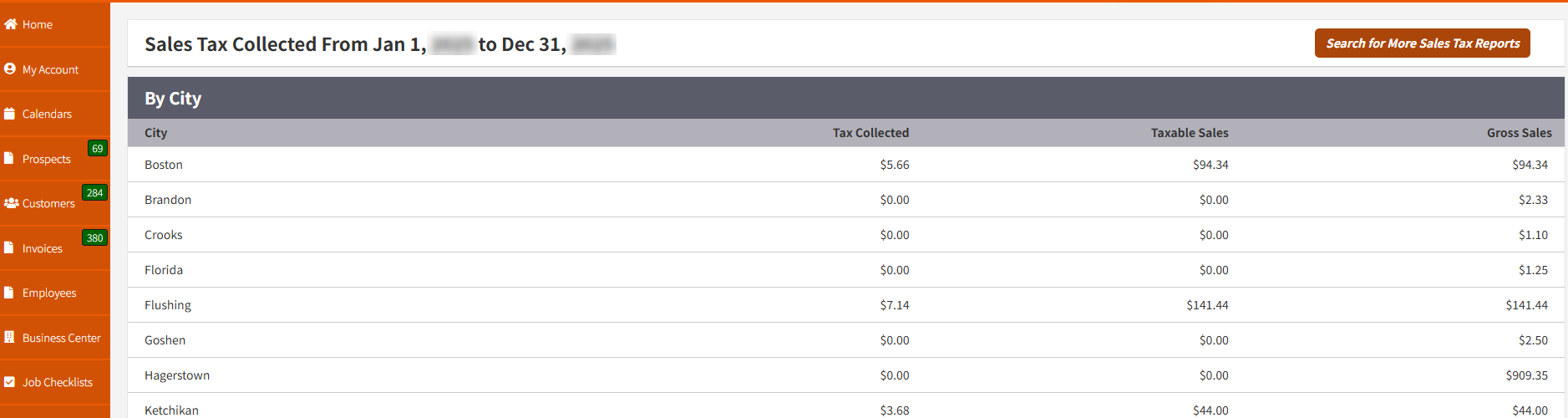
After hitting "Search", the sales tax collected from a specific period will be shown on the page.
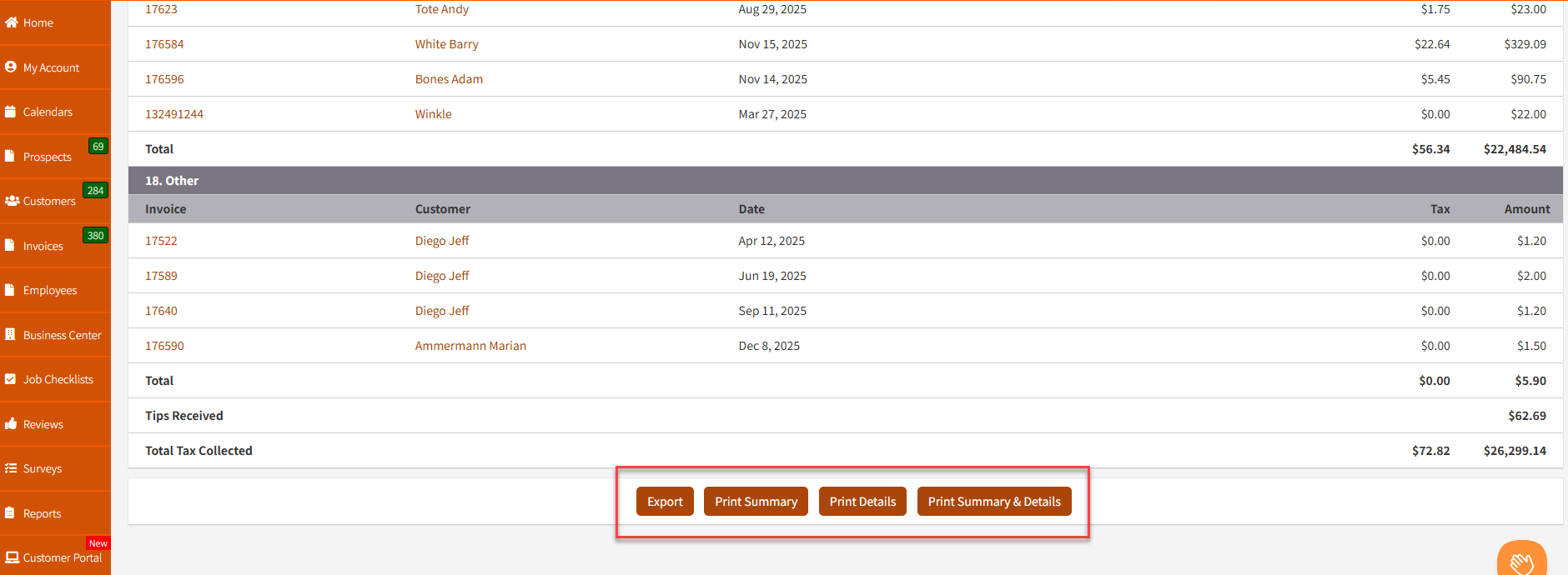
An option to export or print the page is located at the bottom.
If you have any questions, please let me know.
Take care and have a nice day!
Best regards,
